AVI player for Mac
Play AVI files on your Mac. Even the DivX, Xvid and DV files QuickTime won’t open.
Stoic is a native video player for Apple silicon Macs. Double-click an AVI and it plays, with its original video, sound and subtitles. No converting, no codec packs, no subscription.
One-time purchase · Up to three Macs · Apple silicon, macOS 26 or later
Why your Mac won’t open AVI files
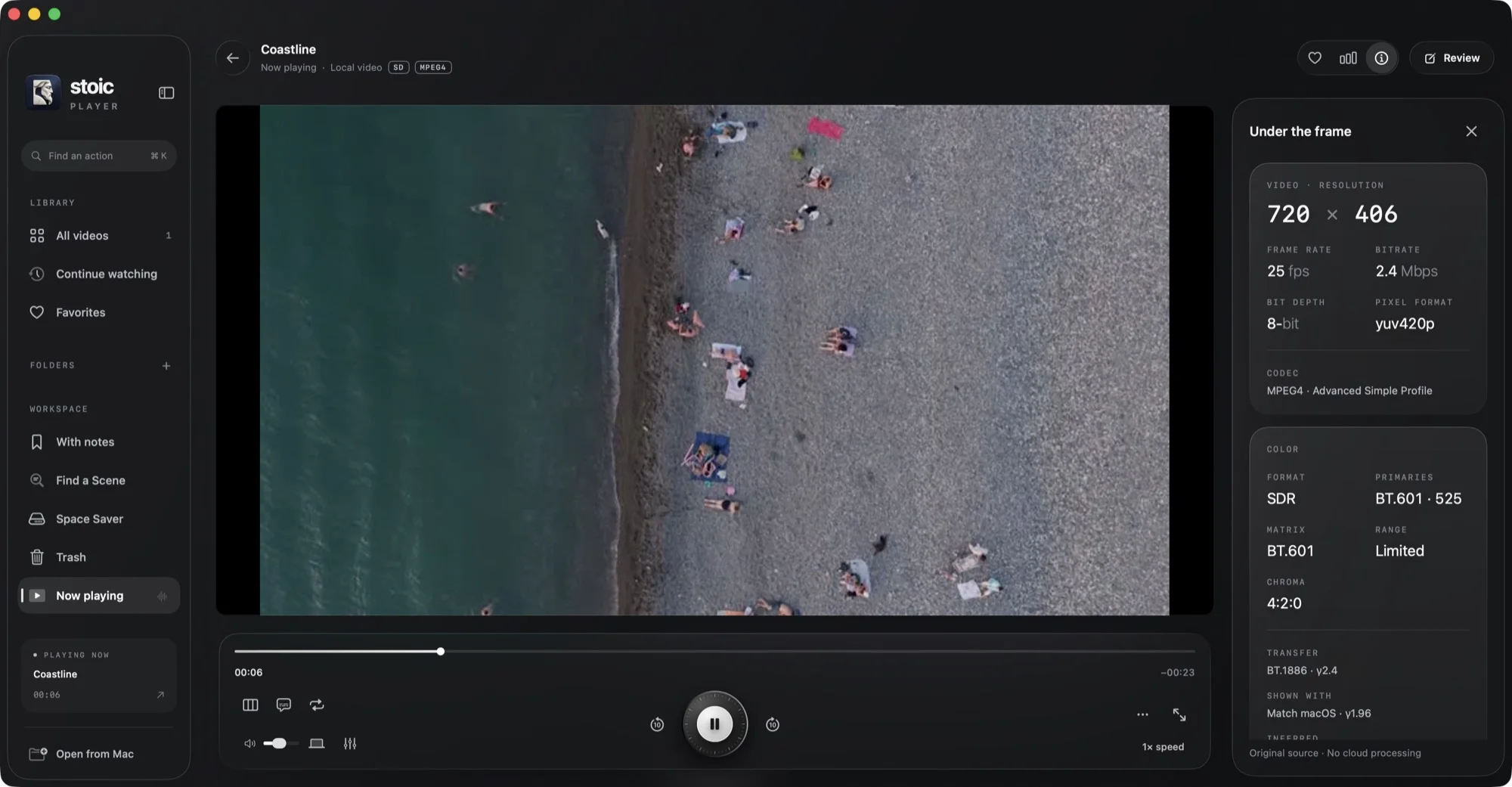
AVI is a container from 1992, so what matters is the video inside it. Most AVI files from the DivX and Xvid years carry MPEG-4 Part 2 video with MP3 or AC-3 sound, and camcorder captures often use DV or MJPEG. macOS’s own media framework, which QuickTime Player is built on, doesn’t decode those. We checked: on macOS 26 it reports an Xvid AVI as “Cannot Open”.
Converting every file to MP4 works, but it takes time, re-encodes the picture, and leaves you with two copies. A player that brings its own decoders skips all of that.
What Stoic plays inside AVI
- Video: DivX and Xvid (MPEG-4 Part 2), early DivX (Microsoft MPEG-4), H.264, MJPEG, DV, MPEG-1 and MPEG-2, Cinepak, Indeo 5 and WMV2.
- Audio: MP3, AC-3, PCM, Microsoft ADPCM and WMA.
- Subtitles: drop a matching
.srtnext to the AVI and Stoic picks it up and syncs it to the speech automatically. - Interlaced video: DV and TV captures are deinterlaced by default, so motion looks smooth instead of combed.
How to play an AVI on Mac with Stoic
- Install Stoic and open it once.
- When it offers to become your default video player, say yes. Double-clicking any AVI in Finder now opens it in Stoic. (You can also switch this on later in Settings.)
- Or drag the AVI onto Stoic, or use File → Open. A whole folder works too, and plays in order.
More than an AVI player
- MKV, MP4, MOV, WebM, M2TS, FLV, WMV and more in the same app
- HDR10, HDR10+, HLG and Dolby Vision, mapped to your display
- Subtitles that find and sync themselves
- Find a Scene: search every film by what was said
- Menu bar player, Picture in Picture and cinema mode
- Private folders and a panic key
Questions
Why won't my Mac open AVI files?
AVI is a container, and most AVI files from the DivX and Xvid era carry MPEG-4 Part 2 video with MP3 or AC-3 audio. macOS's own media framework, which QuickTime Player uses, does not decode those. In our test an Xvid AVI returned “Cannot Open”. A player with its own decoders, like Stoic, plays the file as it is.
Can Stoic play DivX and Xvid files?
Yes. Stoic decodes MPEG-4 Part 2 (DivX, Xvid) and the older Microsoft MPEG-4 variants used by early DivX releases, along with MP3 and AC-3 soundtracks.
Do I need to convert AVI to MP4 first?
No. Stoic opens the AVI directly, so there is no waiting, no quality loss from re-encoding and no second copy of the file taking up space.
Can I make Stoic the default AVI player?
Yes. Stoic offers to become your default video player the first time it opens, and you can switch it on later in Settings. It covers AVI, MKV, MP4, MOV and WebM, so double-clicking an AVI in Finder opens it in Stoic.
Will old camcorder AVIs look right?
DV camcorder captures are usually interlaced. Stoic deinterlaces them by default, rebuilding a full frame from each field, so motion looks smooth instead of combed. Progressive video is never touched.
Which Macs does Stoic run on?
Apple silicon Macs (M1 and later) with macOS 26 or later. It is a one-time purchase for up to three Macs, with every update included.
Also see how to play MKV files on Mac and the best video player for Mac.