Video Doctor
Check video metadata for playback risks, subtitle compatibility and missing information.
Local processing. No file uploads. Metadata cannot verify active hardware decoding, image quality or display headroom. Decoder rules are based on verified Stoic 1.1 behaviour; latest release: 1.2.
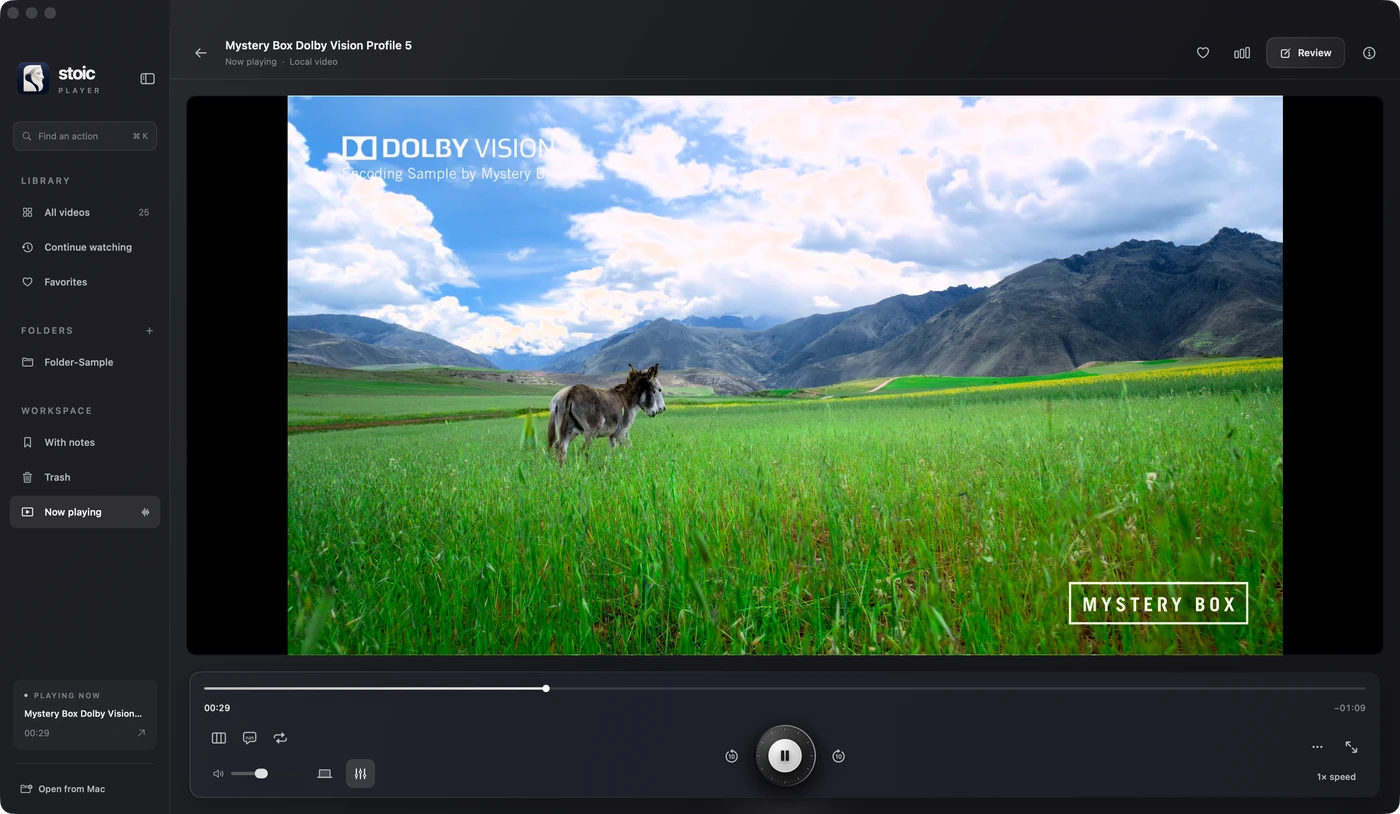
Stoic for Mac
Keep watching.
Stoic brings source colour, subtitle tracks and playback diagnostics together in its Mac player.
Apple silicon · macOS 26 or later · One-time purchase
Get StoicExplore the featuresQuestions about video doctor
Can metadata tell me whether a video will play smoothly?
No. A report describes the file, not the active decoder or dropped frames. Test a representative scene on your Mac before drawing a performance conclusion.
How do I get a MediaInfo or ffprobe report?
In MediaInfo, open the file and select Text or JSON output. With ffprobe installed, use ffprobe -v quiet -show_streams -of json followed by your file path. Paste the report here; the tool does not open the movie itself.