Subtitle Timing & Encoding Fixer
Shift subtitle timing and export a clean UTF-8 text track.
Local processing. Output uses UTF-8. A constant shift does not repair increasing drift. Exports retain caption text and timing, not WebVTT style blocks or layout metadata.
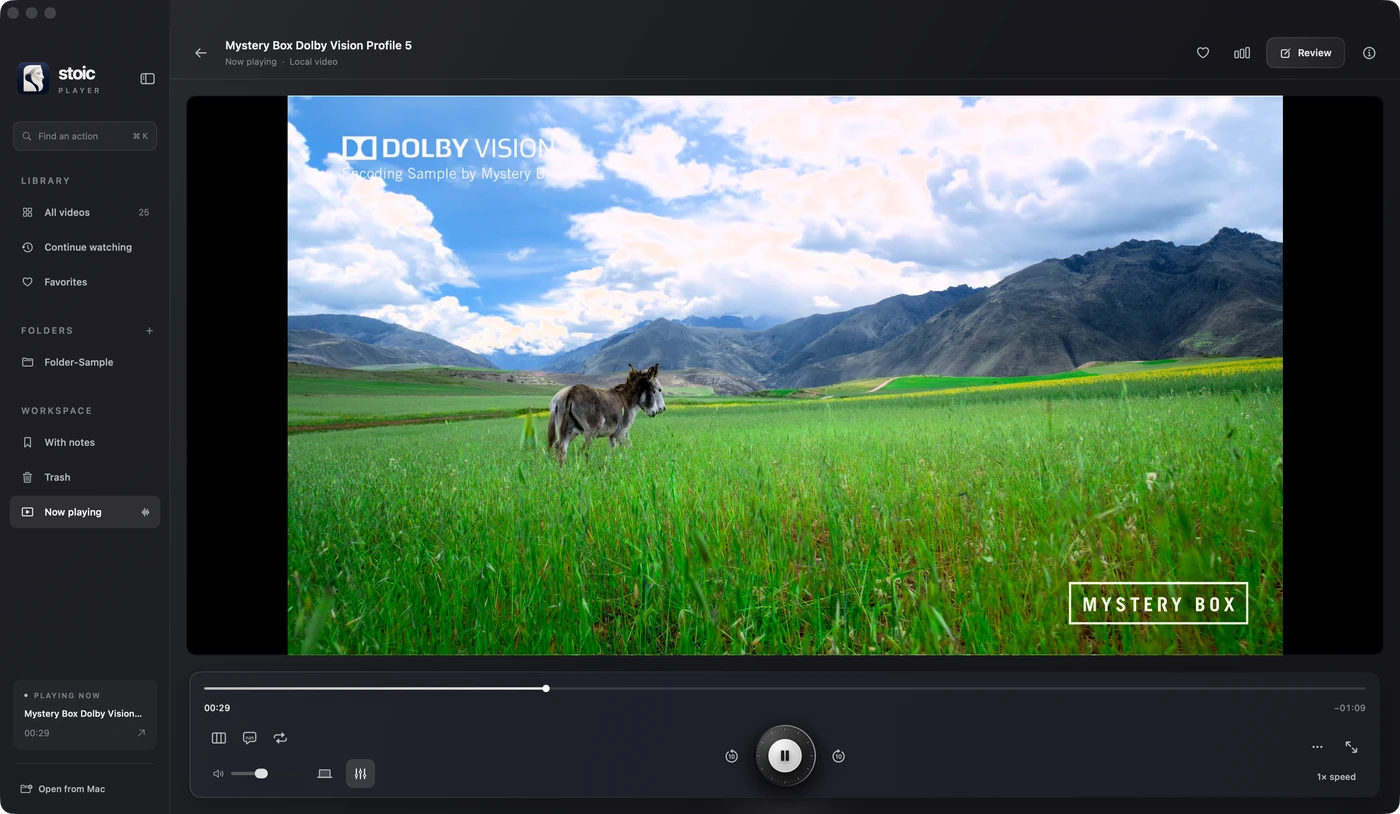
Stoic for Mac
Keep watching.
Stoic lets you adjust subtitle delay during playback and choose text subtitle typography without modifying your original file.
Apple silicon · macOS 26 or later · One-time purchase
Get StoicExplore the featuresQuestions about subtitle timing & encoding fixer
Should I use a positive or negative subtitle offset?
Use a positive offset when subtitles appear too early, so they appear later. Use a negative offset when they appear too late. This tool clamps negative timestamps to zero and drops cues that end before the video starts.
Will shifting fix subtitles that drift out of sync?
A constant offset fixes a constant delay, not increasing drift. Drift can mean a frame-rate or edit mismatch; use a subtitle track matching your specific cut. Exports keep caption text and timing, not WebVTT style blocks or layout metadata.