Mac Playback Troubleshooter
Start with the symptom. Get the checks that matter.
High CPU or stuttering video
- 1. Read the codec, resolution and frame rate in MediaInfo or the player inspector.
- 2. Check the active decoder during the affected scene. Hardware capability does not prove this stream is using it.
- 3. Compare the same scene with subtitles off, then with a matching lower-resolution sample.
- 4. Measure dropped frames, CPU and display refresh rate separately. A new player cannot supply a missing hardware decoder.
Where Stoic fits
First check About This Mac. Stoic needs Apple silicon and macOS 26 or later. Stoic's playback inspector can help identify source and playback details; lower CPU is not guaranteed.
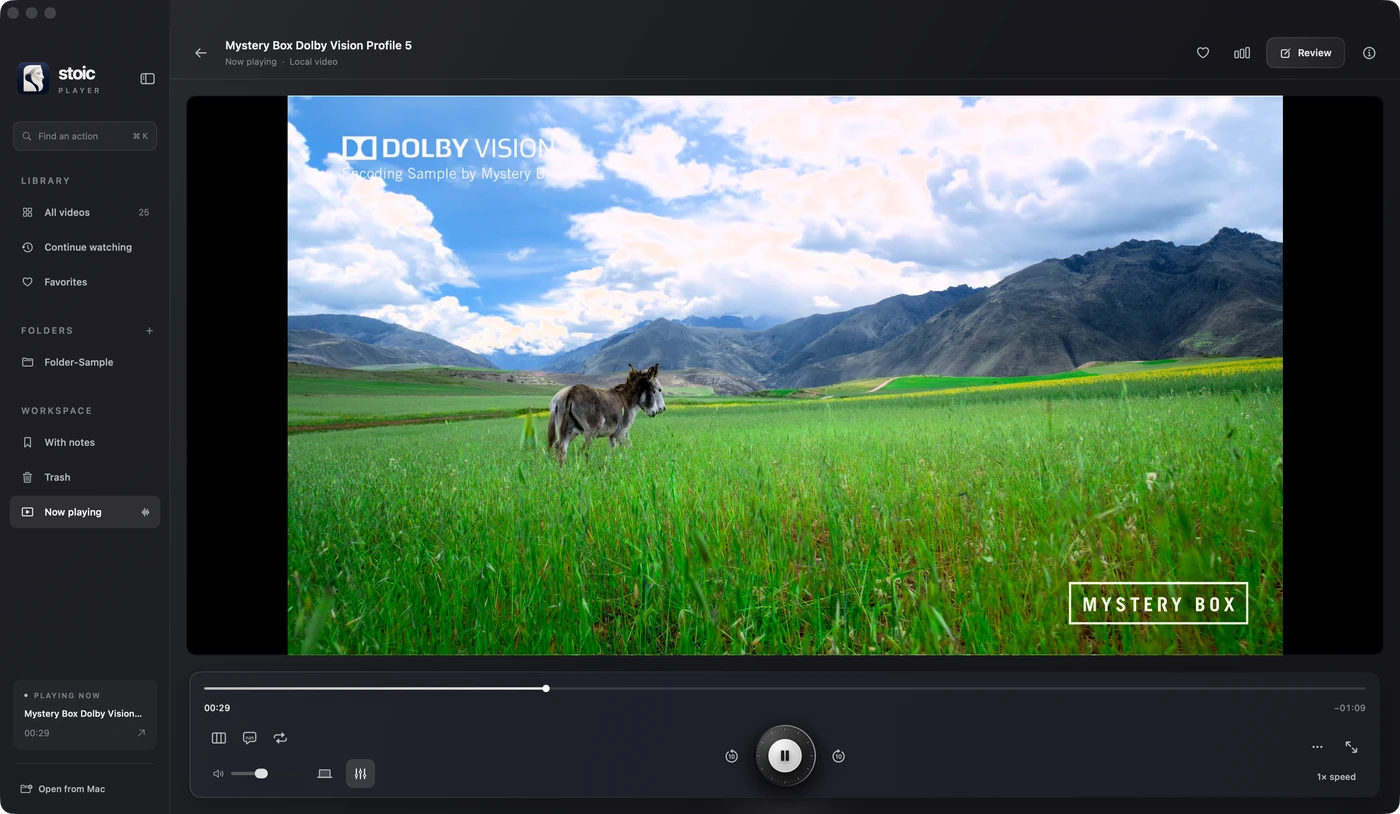
Stoic for Mac
Keep watching.
Stoic combines a playback inspector, HDR output and subtitle controls. A different player cannot add missing hardware decoding or recover a damaged file.
Apple silicon · macOS 26 or later · One-time purchase
Get StoicExplore the featuresQuestions about mac playback troubleshooter
Will buying another player always fix high CPU?
No. The codec, resolution, active decoder, subtitles and rendering all contribute to work. Check hardware decoding during real playback before attributing CPU use to a player.
Why does Dolby Vision look green or purple?
One possible cause is a playback path that does not interpret the file's Dolby Vision profile correctly. Inspect the profile and compare a known-good sample before changing display settings.